
How would i monitor different I/O in single screen ?
Answered Monitor Multiple I/O in single screeen
Didn't find what you were looking for?
New post

-
 Comment actions
Go to Menu -- > I/O
Now you will see a single screen.
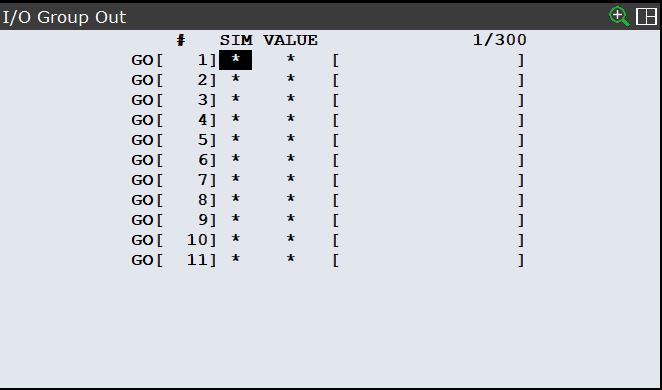
Now on Teach Pendant Press Shift + Display
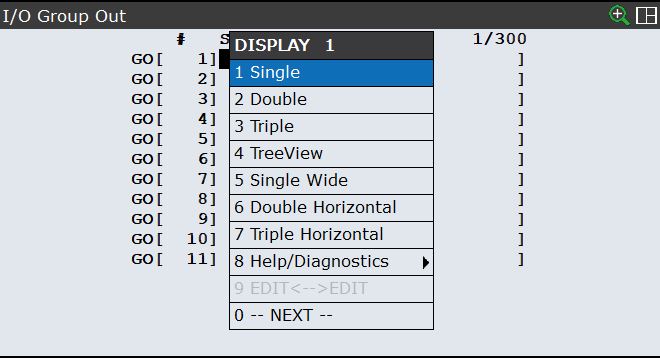
Now on Next select Triple Window
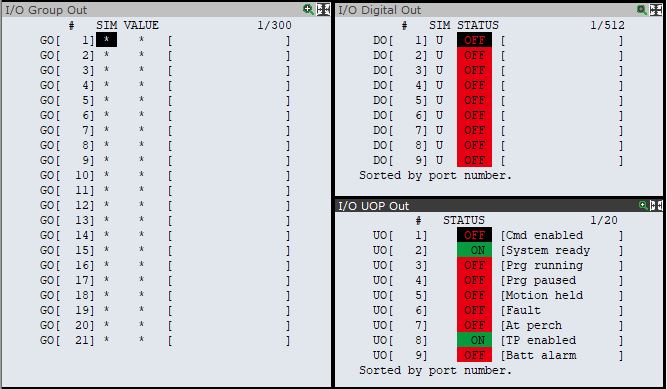
Select individual windows and go to menu and select whichever window you would like to compare or monitor simultaneously.
Please sign in to leave a comment.
Comments
1 comment